When considering software-as-a-service for tracking, data security, or asset management, the choices may be overwhelming. If you’re currently on a Windows-based architecture or Microsoft is one of your vendors, you may know one of those options: Microsoft Intune.
As Intune is related to Prey in scope & functionality, we developed a guide to weigh up the strengths and weaknesses of both, so you can clearly visualize what’s better for you, or for your organization.
What is Microsoft Intune?
Microsoft Intune is a service working as a Mobile Device Manager (also known as MDM) and Mobile Application Management (or MAM). These two acronyms entail a lot of functionality! Mobile device management tools are very important for device administrators: they enable thorough management of computing devices of all sizes and types, including installed applications, policies, and sometimes location & tracking features.
On the other hand, MAM is a common feature of enterprise mobility management (EMM) tools, a first cousin of MDMs. The critical difference between them is the fact that MAM concerns the control of specific mobile devices -such as cellphones or tablets- on the application layer of the device. Whilst not being a complete EMM tool, MAM functionality such as app provisioning and app data protection is still present in Intune as a complement to their MDM offer.
Because of that cross-functionality, Intune is sometimes called a UEM, or unified endpoint management tool.
As an MDM with MAM functionality, Microsoft Intune is capable of key points on the security landscape:
- Deployment. Devices enrolled in Intune can be configured, managed, and their apps deployed and authenticated
- Policing. Intune can set rules and settings for enrolled devices to access specific networks and/or data inside the organization through VPN profiles. It can also rule how employees use a device and what can be accessed or changed in it
- Protection. Intune is capable of powerful data protection features, such as locking devices, encryption, data wipe, and factory resets
- Compliance. Being able to push updates, strict app management, and the use of reports for device security & health, allow TI managers to address compliance with security standards and measures.
How does Intune work?
Remember we said Intune was a service? Well, Intune works as a major component of the Endpoint Manager console. While Configuration Manager (the other big component of Microsoft Endpoint Manager) leverages its on-premise capabilities to manage PCs and servers, Intune extends its reach to the mobile world to manage and control mobile devices.
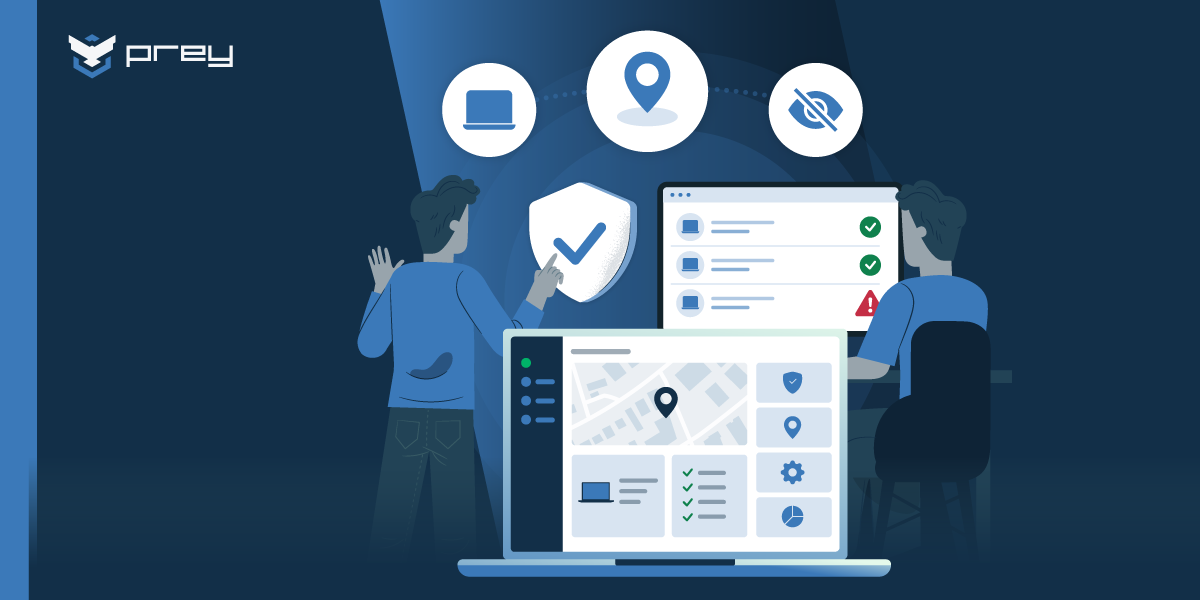
Microsoft Endpoint Manager works similarly to Prey, using a centralized control panel to enroll and manage devices. From this panel, the IT or manager can inspect the entire environment. And with the entire environment, we mean it: Intune can also enroll BYOD devices, a huge concern in certain organizations. Settings & permissions inside the manager are used to shape the access to enterprise assets, connections, software, etc.
Intune has a huge documentation page to guide configuration, device enrollment, features & integration. We’re obviously biased here, but Intune is a complex tool and it may be easy to get lost in the gist of it. If you’re looking for specific solutions to issues within Intune, we recommend you check Microsoft’s official documentation.
Are Prey and Intune the same solution?
While we share several features, Prey and Intune are not the same.
We already have described Microsoft Intune as a UEM solution comprised of device & mobile management. We slightly fall into that category. But Prey at its very core is a specialized tracking, location, and data protection solution which has management capabilities, not a full UEM or MDM.
In other words: while we share several characteristics, most of the time we don’t solve the same problems, and certainly not with the same level of effectiveness.
Another notable difference is the position of the two tools in a management or security stack. Microsoft Intune has a deep integration with Microsoft’s own operating system (Windows 10 & 11), domain, and software suite. It is tied exclusively to Active Directory & Azure Active Directory, and not exclusively to Windows & the Office 365 space.
On the opposite end of the spectrum, Prey is a standalone software-as-a-service, independent of other applications, types of directories, and operating systems. Prey can be more flexible, and be adapted to an increasing number of device security tools & configurations.
Can they work together? Of course! (more on that later). But first...
What Intune does best
Management
Intune has been built from the ground up as an MDM solution. Therefore, it has solid features in that area, such as app management, policies, and permissions.
Solid Microsoft integrations
As we mentioned before, Intune has close ties with Active Directory and Azure AD (the cloud-based domain), and sometimes it comes bundled with end-user solutions like Office 365. In fact, professionals who use Microsoft’s stack of security and management tools would feel right at home or have an option to jump to Intune already.
Network control
Besides Intune’s great management features, it also can control what and where the users will connect their devices. While it’s not very easy to configure, a skilled manager can configure profiles for VPNs & WiFi networks. There’s also WiFi & Bluetooth Block, to limit the user’s access to connectivity in specific machines.
What Prey does best
Tracking & Location
Intune can locate a device, but the mechanism is narrower than most teams expect. Its Locate device action is an on-demand lookup: it collects a coordinate only when an admin triggers it, shows a single pin, and deletes the result after 24 hours. There is no location history, and the supported list covers corporate-owned Android Enterprise, supervised iOS/iPadOS, and Windows. It does not include macOS or personally-owned devices. We mapped the full platform matrix in Intune location tracking limits.
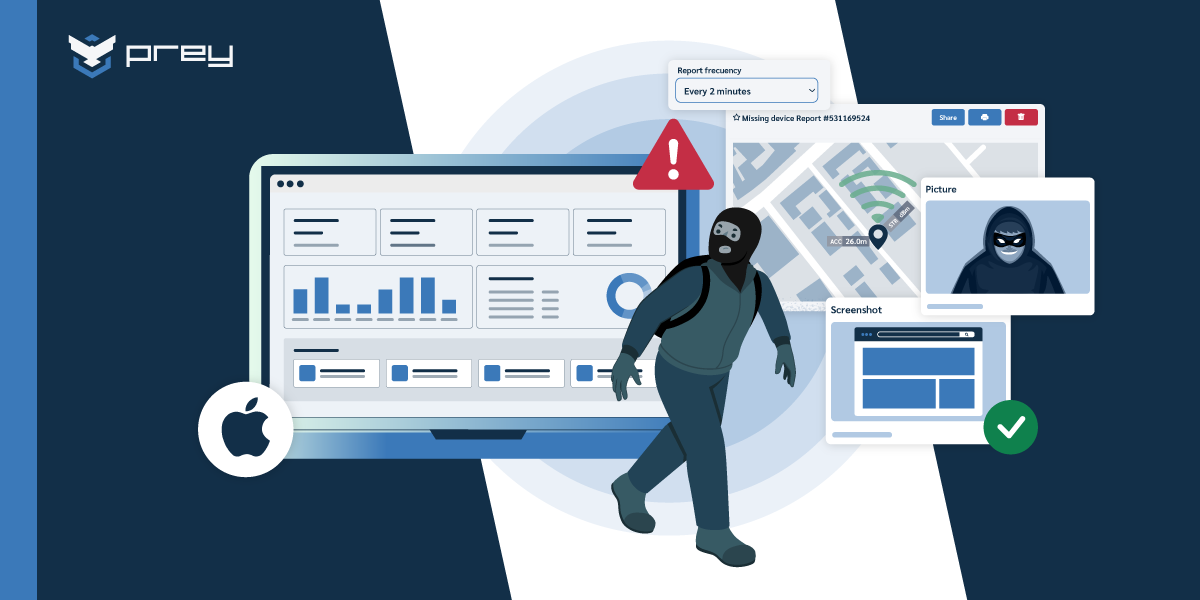
Prey approaches location differently. Position data is collected continuously rather than on request, which means the history exists before you need it: when a device is declared lost, you are reading a record instead of sending a request and hoping the device answers. Coverage spans Windows, macOS, Linux, Android, iOS, and Chromebook, including the platforms Intune cannot locate. Geofencing adds the alerting layer Intune has no equivalent for: a zone leaves-or-enters rule that fires on its own instead of waiting for someone to ask.
A construction-sector IT team running both described the difference in a public G2 review from February 2026: “We may use Intune, yet adding location services on that, it takes forever by the time the device is located. With Prey, it is instantly and we also get the history of past check-in. We have recovered ‘lost’ devices with Prey.” Speed shows up on the response side too: one MSP serving legal, investment, and healthcare clients measured a remote wipe in Intune taking 34 minutes to initiate during testing. That is a single field observation rather than a benchmark, but it points at the interval that matters most when a device goes missing. Both numbers describe the same window: the time between noticing and acting, which is what a stolen-laptop response actually turns on.
Ease of use
Intune’s depth across policy, compliance, and application management comes with a setup cost: it is a large surface to learn, and most of its location features have to be configured before they are ever needed. A Windows device only answers a locate request if a Settings catalog policy was assigned to it in advance, which is why admins often find the action greyed out at exactly the wrong moment.
Prey is narrower by design, and that is the trade. Rollout is an agent install and a dashboard, with no enrollment program or policy scaffolding required first. For a one-person IT team that matters more than feature count.
Pricing
Our flexibility and independence allow us to have competitive pricing compared to other alternatives on the market. Intune comes bundled with Office 365, a Microsoft suite that is pricier and hard to obtain for small and medium enterprises.
How can Prey & Intune work together?
By this point, there’s something you should be wondering first: Are any of those tools right for me?
Your organization may be in dire need of device-specific protection, in cases where you have a diverse fleet (laptops, mobile phones, tablets) or across operative systems. That is the gap Prey is built to cover.
But that doesn’t mean that Prey & Intune can’t work together! Prey covers the specific gap Intune leaves in tracking and location: always-on position data, location history, geofencing, and coverage for macOS and personally-owned devices that Intune’s Locate device action does not support. This pattern is the norm rather than the exception. In Wynter research with IT buyers, 11 of 15 ran Intune, and almost all of them ran a second tool alongside it. If you are still comparing options at the category level, our roundup of MDM solutions with GPS tracking sets out where each one fits. Prey can serve as a complement to an already established management environment: using Intune (and Microsoft Endpoint Manager) for app deployment & policing, and leaving tracking & location to us.
FAQ
what's the difference between Prey and Microsoft Intune?
Microsoft Intune is a full MDM focused on policy management and app deployment, bundled with Microsoft 365. Prey focuses on device tracking, theft recovery, and data protection across every OS. The clearest difference is location: Intune's GPS is slow and limited, while Prey's is always-on, which is why many teams run both.
Can Prey replace Intune?
Prey isn't a full MDM replacement for Intune's policy and app management yet. Instead, it complements Intune by adding the always-on location, theft recovery, and breach monitoring that Intune handles poorly or not at all. Teams that need deep policy control keep Intune and add Prey for device recovery.
Does Prey work alongside Intune?
Yes. Prey is designed to run alongside Intune, not against it. Intune manages configuration and policies; Prey adds instant location, remote lock and wipe with recovery evidence, and cross-OS coverage including Linux, which Intune doesn't manage well.
Is Prey or Intune better for device tracking
For device tracking specifically, Prey is stronger: Intune reports location slowly and infrequently, while Prey provides always-on GPS and Wi-Fi location with history. For app and policy management, Intune leads. Most teams use each for what it does best.
Why do companies use Prey with Intune?
Companies pair Prey with Intune because Intune's device tracking and recovery are weak. Rather than replace their Microsoft stack, they add Prey for instant location, theft recovery, and breach monitoring, filling the gaps Intune leaves without extra complexity.
Do you need Microsoft 365 or a specific ecosystem to use Prey?
No. Prey runs independently of any identity provider or productivity suite, so it works the same whether or not you use Microsoft 365, Google Workspace, or nothing in particular. That's a real difference from Intune, which is built around the Microsoft and Entra ID ecosystem and is most useful once you're already invested in it. If your fleet is mixed or you're not a Microsoft shop, Prey tracks and protects Windows, macOS, Linux, Android, iOS, and Chromebook from one dashboard without asking you to standardize on a single vendor first.
Is Prey worth adding if Intune already comes with our Microsoft license?
Yes, for the things Intune does poorly rather than the things it does well. Intune is strong at policy, updates, and app management, and if it's bundled with your M365 license you should keep using it for that. Where it's weak is device recovery: its location is on-demand and limited, there's no continuous tracking or theft-recovery toolkit, and no breach monitoring. Prey is a low-cost, per-device add-on that fills exactly that gap with always-on location, remote lock and wipe, and evidence capture. So it's not a second MDM you're paying twice for; it's the recovery layer that sits on top of the Intune you already have.